
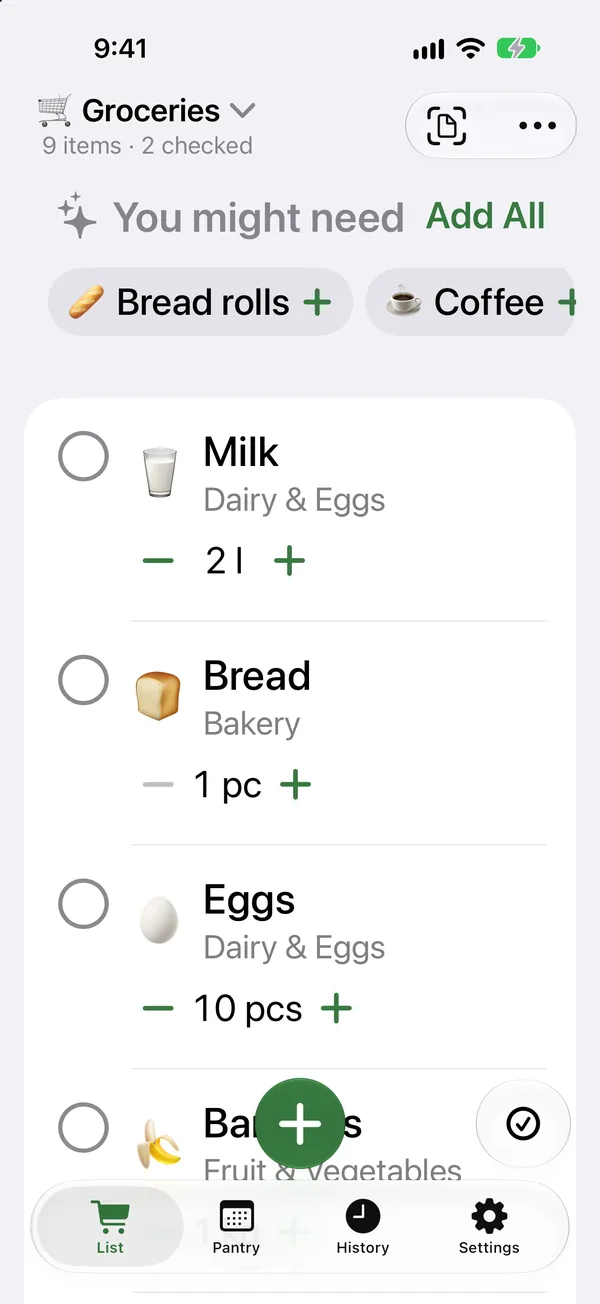
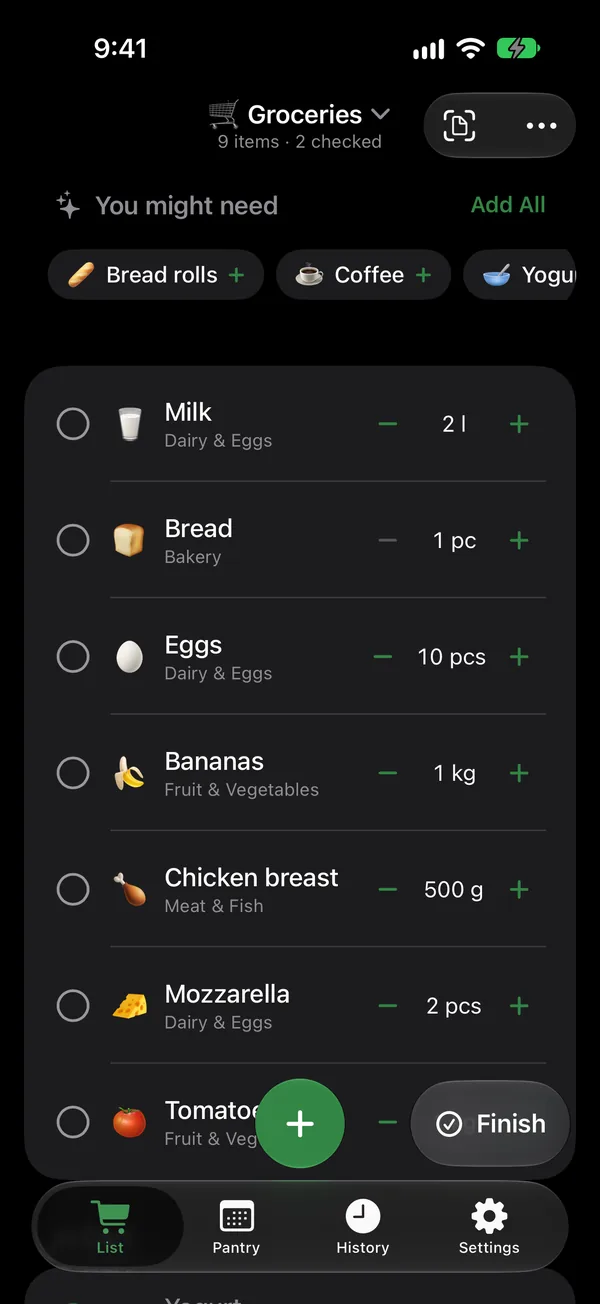
A shopping list is used by the whole family, from kids to grandparents. That’s why we built Shoppie to be comfortable with larger text, with a screen reader and late in the evening in the dark. There’s nothing to hunt for in the app’s settings: Shoppie simply adapts to how your iPhone is set up.
What Shoppie supports
- VoiceOver – items, buttons and suggestions are all labelled, so your list can be read aloud.
- Larger text – Shoppie follows your iPhone’s text size.
- Dark Mode – easy on the eyes when you write your list at night.
- Landscape – your list stays clear with the phone turned sideways.
- iPhone Duo – unfolded, Shoppie uses the entire large inner display.
How it works
- Set larger text in iPhone Settings → Display & Brightness → Text Size.
- Turn on Dark Mode in iPhone Settings → Display & Brightness by choosing Dark.
- Turn on the screen reader in iPhone Settings → Accessibility → VoiceOver.
- Open Shoppie – the changes apply on their own.
For a step-by-step version with screenshots, see Shoppie for everyone: VoiceOver, larger text and Dark Mode.
Larger text without the squeeze
With very large text, the Finish button turns into a ✓ icon to leave more room for your items. It does exactly the same, and holding it shows the label. Item names, categories and quantities stay easy to read.
English, Slovak and Czech
Shoppie is available in English, Slovak and Czech and follows your iPhone’s language. To use a different language just for Shoppie, open iPhone Settings → Apps → Shoppie → Preferred Language and choose English, Slovenčina or Čeština. Shoppie switches the next time you open it. See How to change Shoppie’s language.
Tips for everyday comfort
- The text size in iPhone Settings applies to all apps, so you only need to set it once.
- Your iPhone can switch to Dark Mode automatically in the evening – Shoppie switches with it.
- On an unfolded iPhone Duo, your list spreads across the whole inner display.
Comfortable for the whole household
Because everything follows each iPhone’s own settings, every member of a shared household can set Shoppie up their way. Grandma can have larger text, the kids Dark Mode and one parent Slovak – and everyone still sees the same list.