
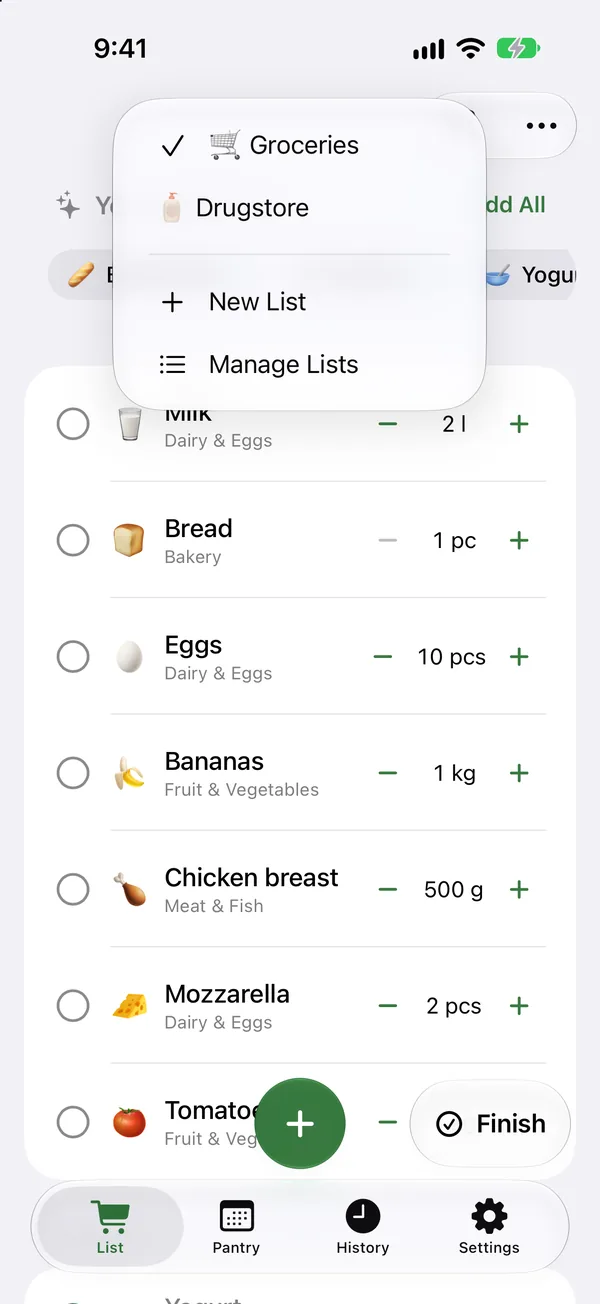
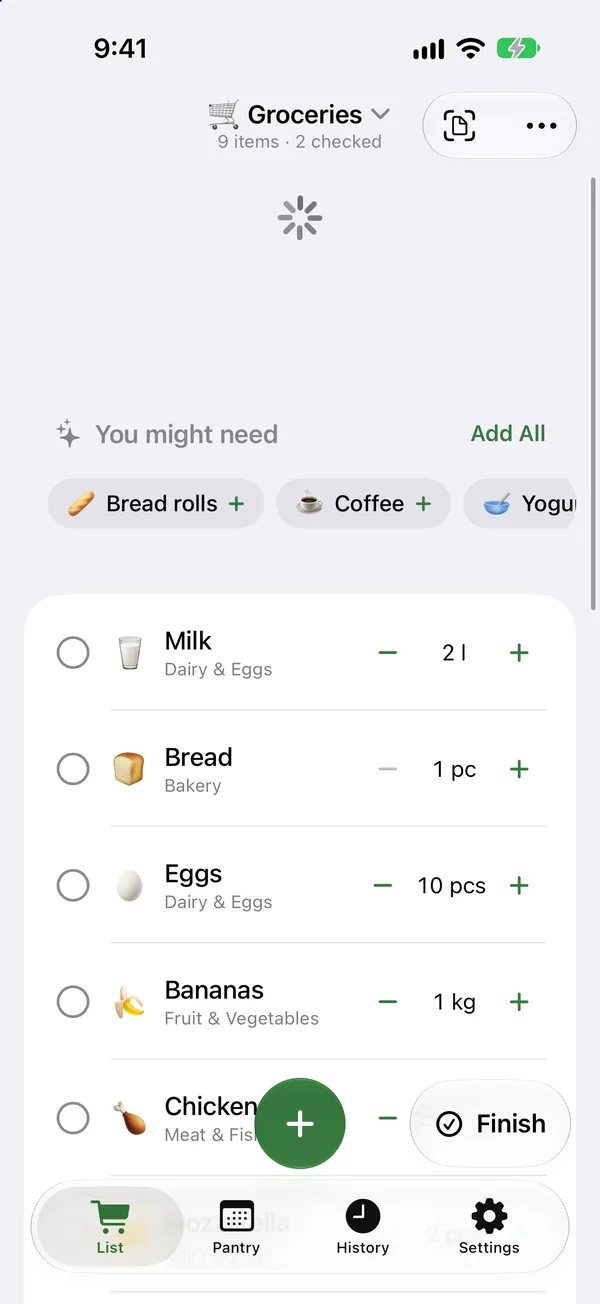
When several people do the shopping, the paper list always stays at home. That is why Shoppie lets you create a shared household: every member has the same shopping list on their own iPhone and sees changes straight away. Whoever is in the shop ticks things off, and whoever is at home can still add something.
What the household shares
- All shopping lists – Groceries, Drugstore or your Christmas list.
- Shopping history – when and where each trip happened and how many items it had.
- Pantry – the food you bought with best-before dates, so everyone knows what needs eating.
- Regular items – things that add themselves to the list on the day you choose.
Warranties and settings are not shared; they stay yours.
How it works
- On the Settings tab, find the Sharing section.
- Tap Invite to Household and send the invitation, for example via Messages or Mail.
- They open it on their iPhone with Shoppie and join.
- Check who has joined under Household Members. Add more people with Invite Someone Else.
For the full walkthrough, see How to share a shopping list with your family on iPhone.
Everyone sees changes straight away
Sharing runs through iCloud, so there is nothing to register – everyone just needs an iPhone with iCloud turned on. Changes usually appear within a few seconds. If you don't see your partner's changes, check that you both have iCloud on, are in the same household and are online, then pull the list down. More in What to do when you don't see your partner's changes.
You stay in control of members
Only the household owner can invite people. The owner can also remove a member or stop sharing altogether, and the lists stay with them. A member can leave at any time with Leave Household. You will find every option under ⋯ next to a name in Household Members, and in the guide How to remove a member or leave a household.
When a shared household helps
- Families – whoever passes a shop can see what is needed.
- Couples – no more buying the same thing twice, because you both see what is ticked off.
- Flatmates – one list for toiletries and the basics.
Private, even when shared
Household data lives in your private iCloud and on the members' iPhones. Shoppie has no server, collects nothing about you and shows no ads.