
How to finish shopping and find it in your history
-
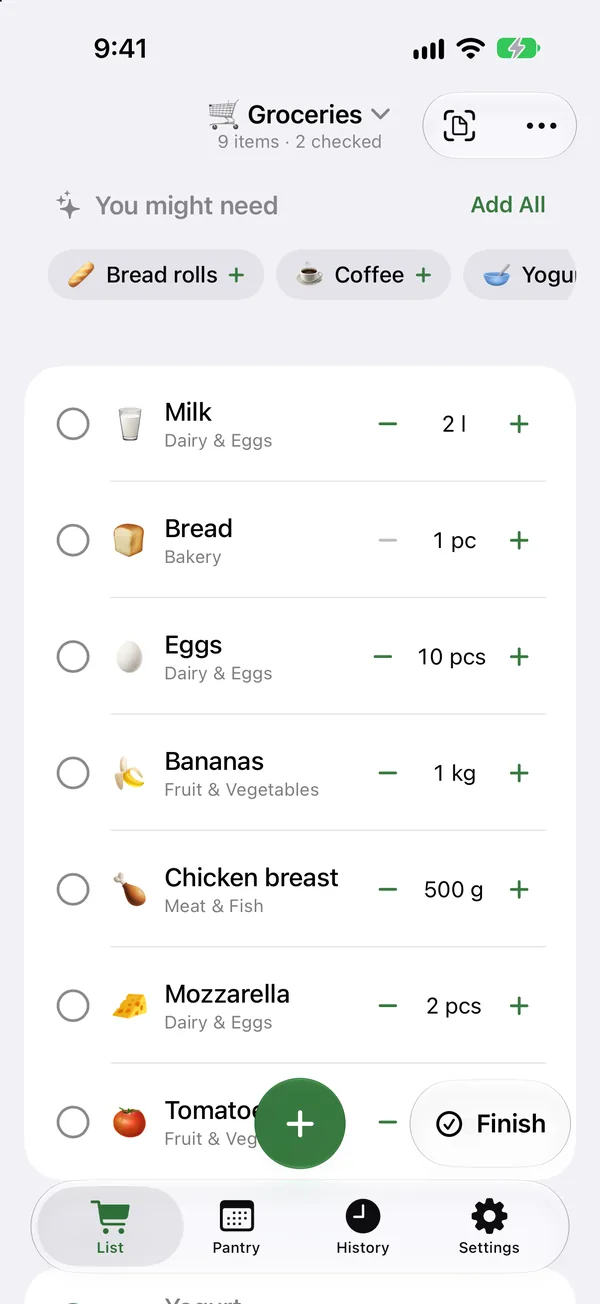
Step 1 Tap Finish
Once at least one item is ticked, Finish appears next to the + button. Tap it and confirm Finish Shopping. Ticked items are saved to History and removed from the list.
-
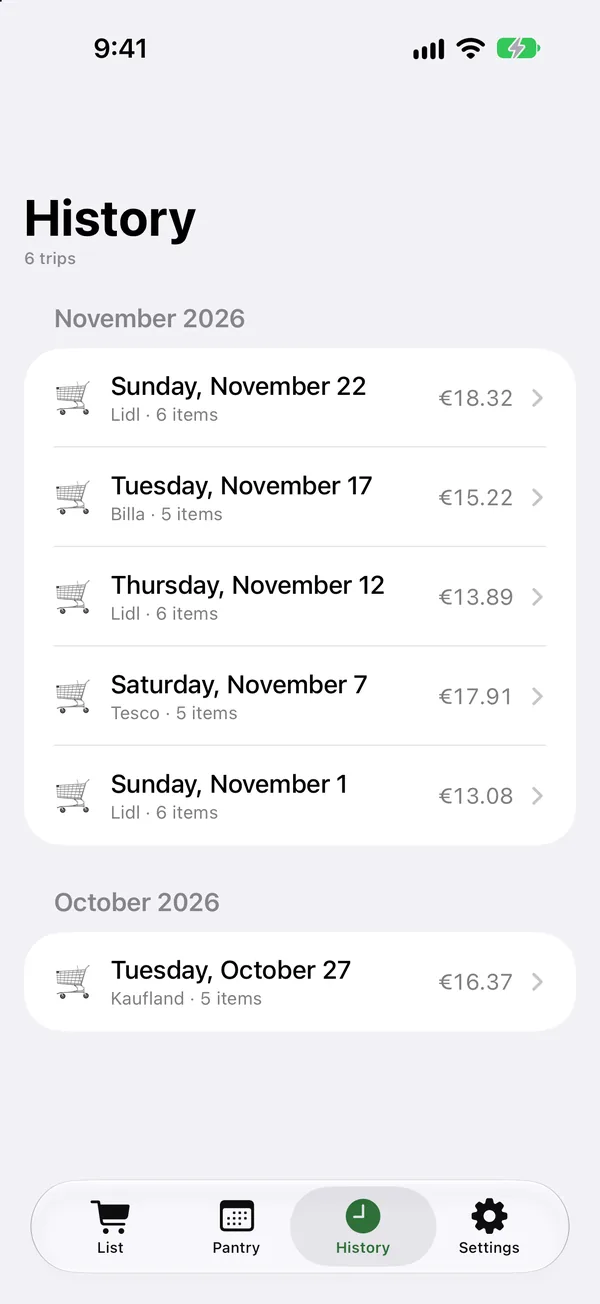
Step 2 Open History
The History tab shows all your trips with the date, store and number of items.
-
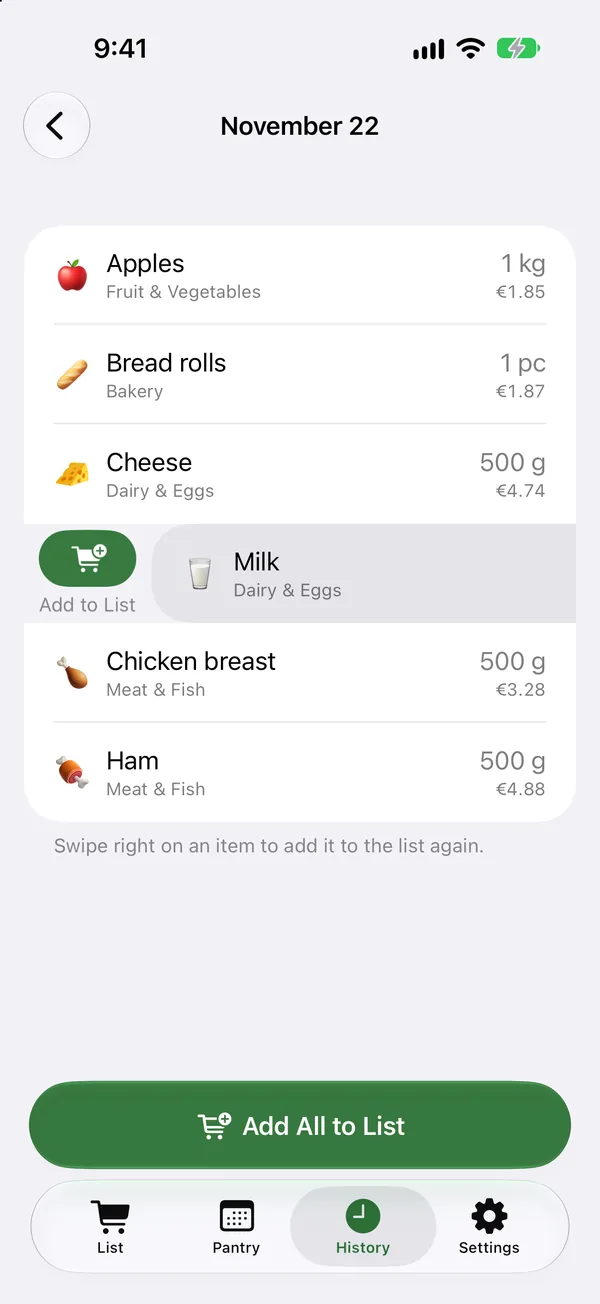
Step 3 Add an item again
Open a trip and swipe an item to the right → Add to List. To bring back the whole trip, use Add All to List.
Frequently asked questions
Why should I finish each trip?
Shoppie learns from finished trips what you buy and how often, and uses that to suggest what you’re running out of.
More questions are answered on the Support page.