
How to show or hide the Warranties tab
-
Step 1 Open Features
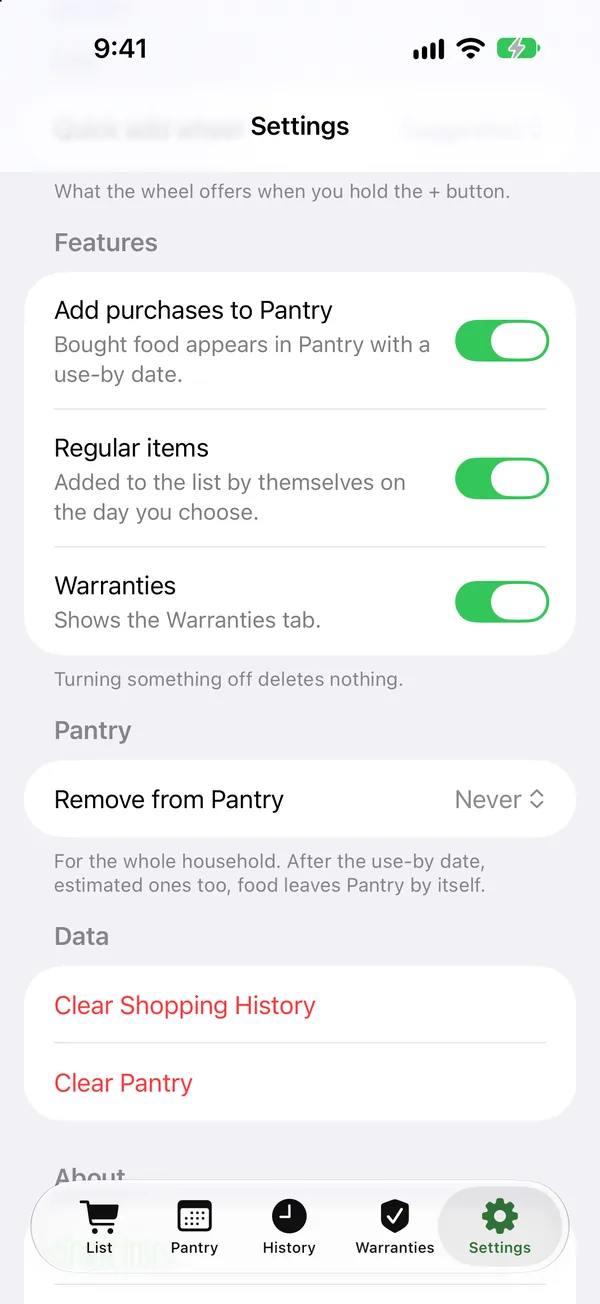
On the Settings tab, find the Features section.
-
Step 2 Toggle Warranties
Use the Warranties switch to show or hide the tab. When it’s on, a Warranties tab appears at the bottom.
Frequently asked questions
Are my warranties deleted when I hide the tab?
No. Hiding the tab deletes nothing. Your warranties and reminders stay.
More questions are answered on the Support page.